For Counter-Strike 2 · Windows
Every match you play, cut into clips. Automatically.
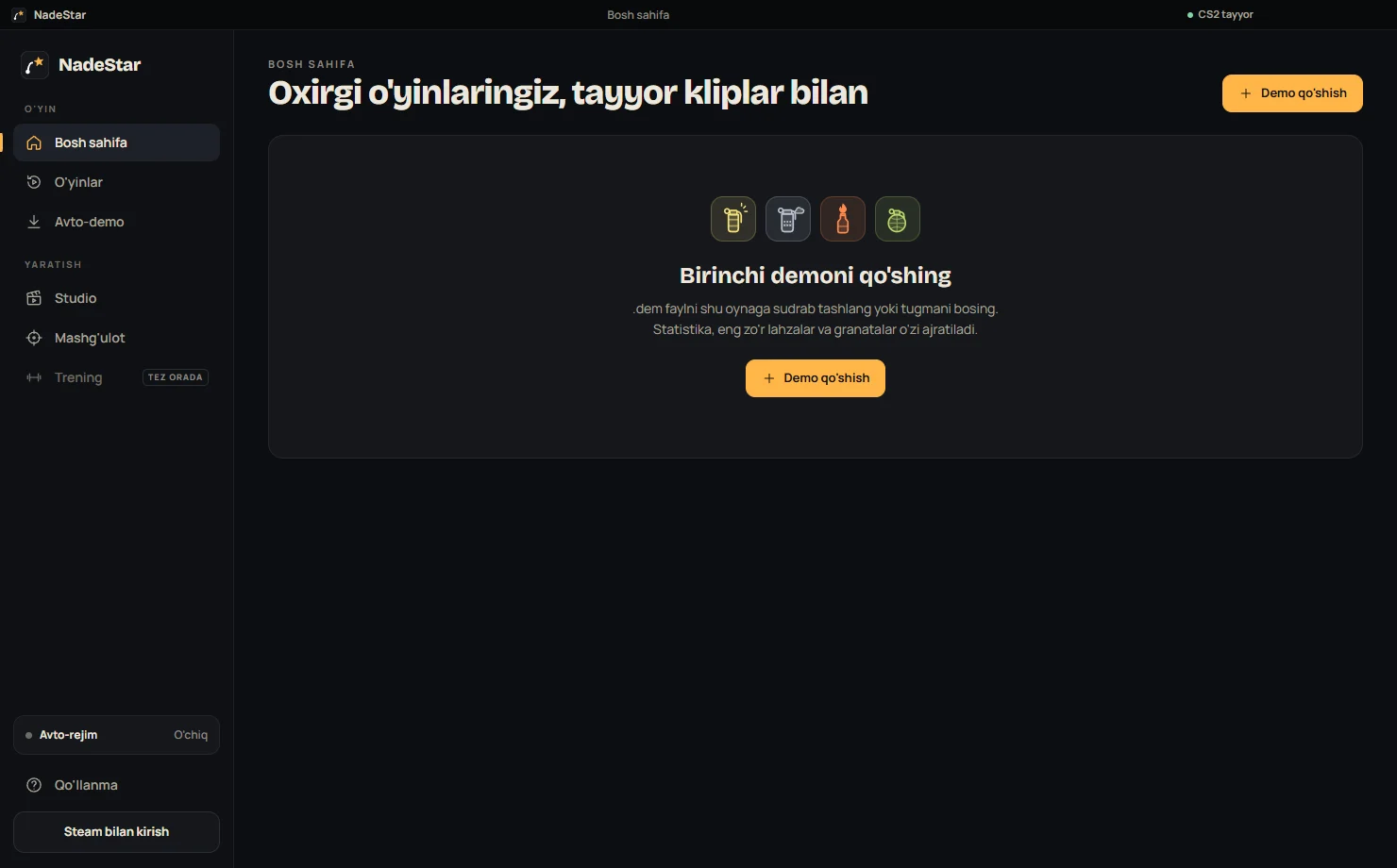
NadeStar fetches your CS2 demos after each match, finds your best rounds and renders them as clips up to 4K — ready to post, no editing timeline.
One email when NadeStar is on the Store. Nothing else.
How it works
You play. NadeStar does the rest.
Play your match
Premier, Competitive or Wingman — play as usual. NadeStar doesn't touch the game while you play.
The demo comes to you
Connect auto-demo once. Our bot finds each new match and the app downloads the demo straight from Valve's servers.
Your clips are recorded in CS2 itself
Your best rounds are picked out for you. NadeStar opens the demo in CS2, jumps to the moment and records it the way OBS does — real game graphics, up to 4K.
Features
One app for clips, demos and grenades.
Everything runs on your PC. Your demos and clips never leave it.
Studio
Trim, reorder and title your clips. Music, slow-motion and kill feed in one editor.
Grenade videos
Turn smokes, flashes and molotovs from your demos into short lineup videos.
Demo breakdown
Scoreboard, rating, every round and a live 2D replay of the match.
AI edit
Let AI cut a montage and add a voice-over, using your own Claude or ElevenLabs key.
Safety and trust
Built to stay out of your way — and out of your account.
Nothing is injected into the game
CS2 opens in its normal VAC-secured mode. Video is captured from the window, the same way OBS does. No mods, DLLs or memory reading.
We never see your Steam password
You sign in on Steam's own page. Auto-demo uses a read-only code you can revoke at any time.
Your files stay on your PC
Demos, clips and projects are never uploaded. Usage stats are off unless you turn them on.
Secure checkout by Paddle
Paddle handles payment, tax and receipts. Your card details never reach us.
14-day refund, no questions
Not for you? Get a full refund within 14 days of any payment.
Cancel any time
Pro stays on until the end of the year you paid for. Your clips are always yours.
Pricing
Try everything for 7 days. Then one simple price.
$19 / year
About $1.58 a month · local price shown at checkout
Every match fetched and analysed
Up to 4K, no watermark
AI edit, grenade videos, training
All updates included
One Steam account · one PC at a time · cancel any time
Can NadeStar get my Steam account banned?
NadeStar never runs while you play and never touches the game process. To record a clip it opens CS2 in its normal VAC-secured mode, plays your demo and captures the window the same way OBS does. We can't speak for Valve, but nothing in NadeStar reads game memory, injects code or gives an in-game advantage.
Why does CS2 open by itself?
That's how clips are made: NadeStar plays the demo in CS2 and records the moments you picked, so you get real game graphics instead of a re-creation. When recording is done, CS2 closes and any settings NadeStar changed for the recording are put back the way they were.
What happens when the 7-day trial ends?
Everything you made stays: clips and match analyses keep working and can be downloaded. Creating new clips, auto-demo, AI edit and training need Pro.
How does auto-demo find my matches?
You paste your Steam Game Authentication Code once. It only lets our server read your match codes — no access to your password, inventory, friends or payments. Revoke it in Steam or disconnect in the app at any time.
Can I use it on two computers?
Pro works on one computer at a time. You can move it to another PC in the app; the number of moves is limited to stop license sharing.
How do I cancel or get a refund?
Cancel through the link in your Paddle receipt or at paddle.net — Pro stays on until the end of the paid year. Within 14 days of any payment you can get a full refund, no reason needed.
Why is the price different in my country?
Prices are adjusted for some countries so Pro stays fair everywhere. The exact price, with tax, is shown on the checkout page before you pay.
Do AI features cost extra?
AI edit and voice-over use your own Claude or ElevenLabs key, so those services bill you directly — usually cents per clip. Everything else is included in Pro.
What do I need to run it?
Windows 10 or 11 (64-bit) and CS2 installed through Steam. Minimum: a GTX 1060 or RX 570 class graphics card (4 GB) and 8 GB RAM. Recommended: RTX 20-series or RX 5600 and newer. For 4K: RTX 3070, RTX 4060, RX 6800 or better, with 24 GB RAM or more. Keep some free disk space for demos and clips. NadeStar checks your PC on first launch and shows what it can handle. The app is available in English, Russian and Uzbek.
Your next ace deserves better than a phone recording.
Be the first to know when NadeStar lands on the Microsoft Store.